You can add a Custom Form to a page in 6 easy steps:
- Log in to your Control Panel.
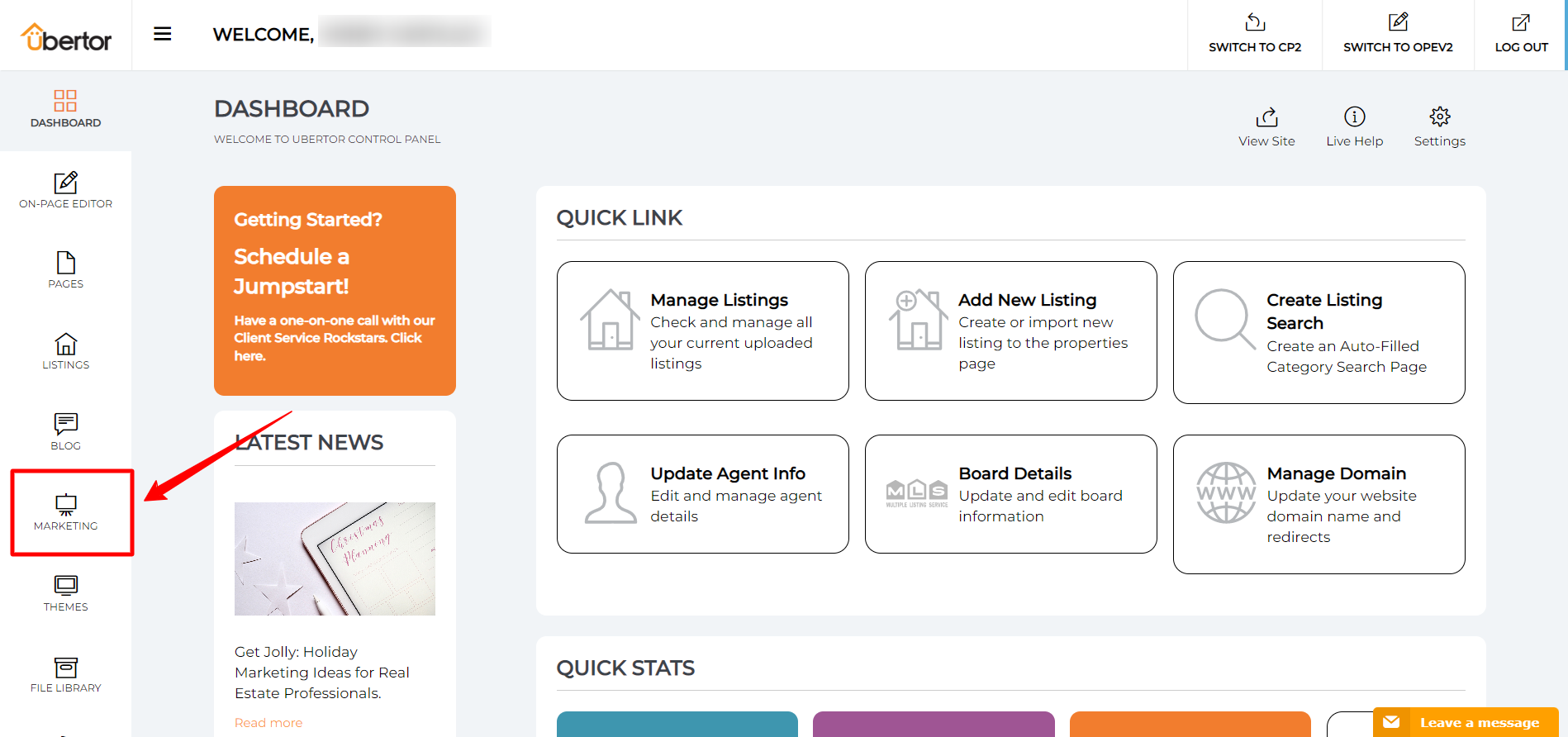
- Click ‘Marketing’ Tab.
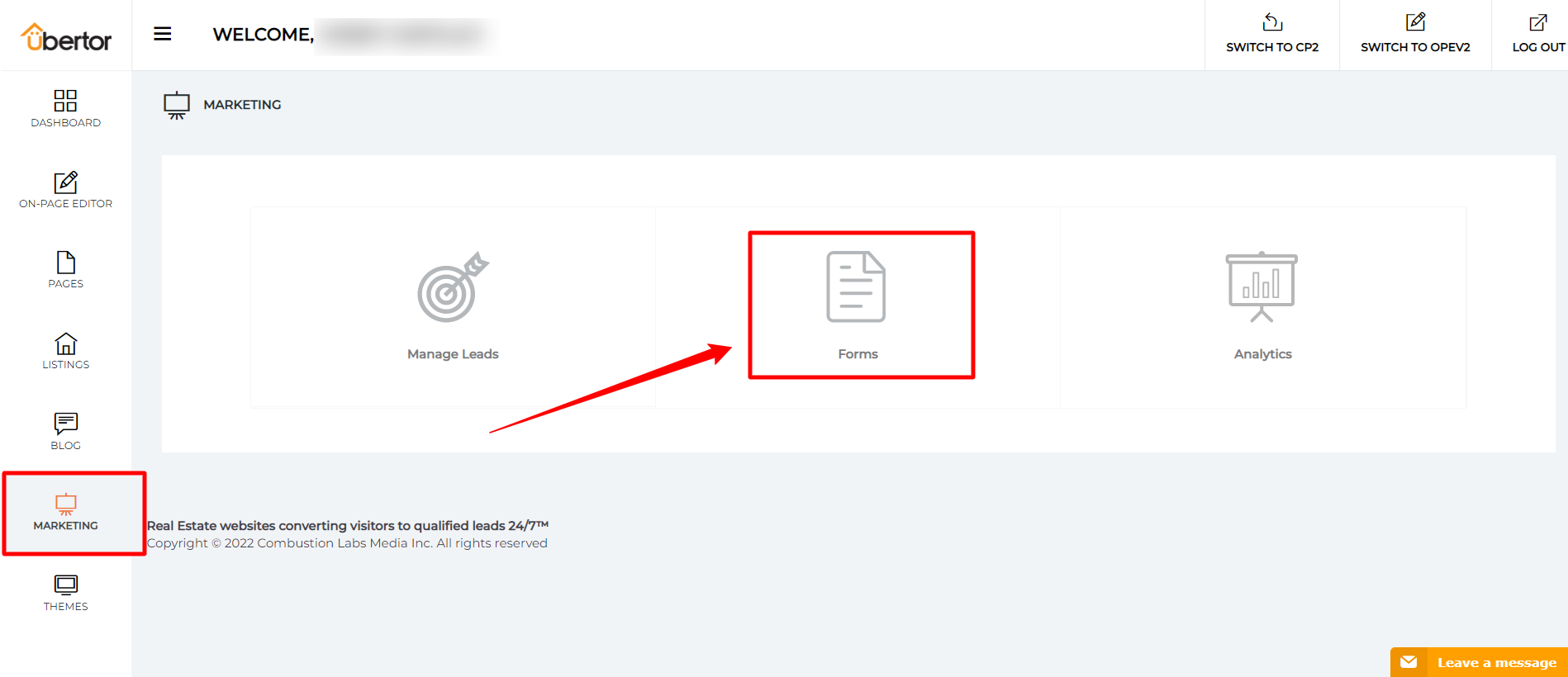
- Select ‘Forms’.
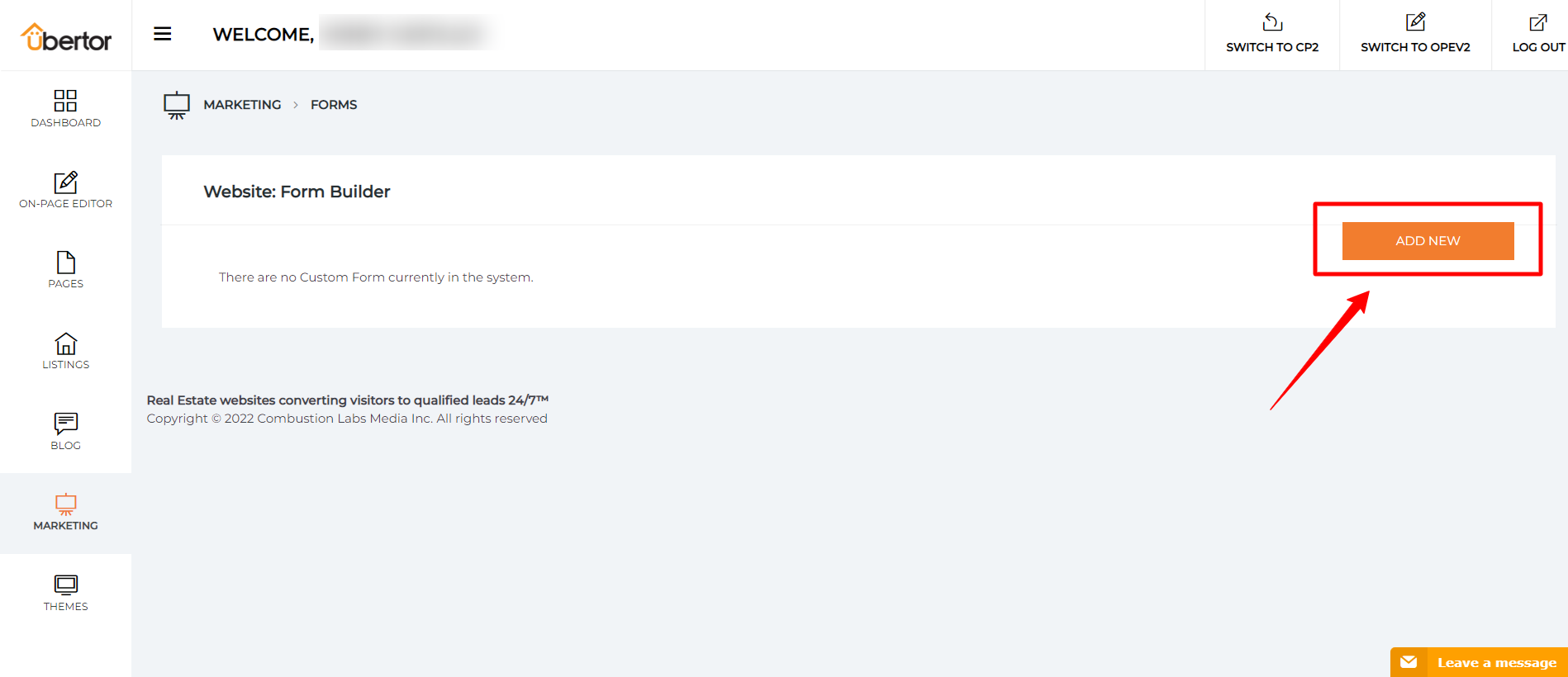
- Click on ‘Add New’ button.
- Fill in the required information.
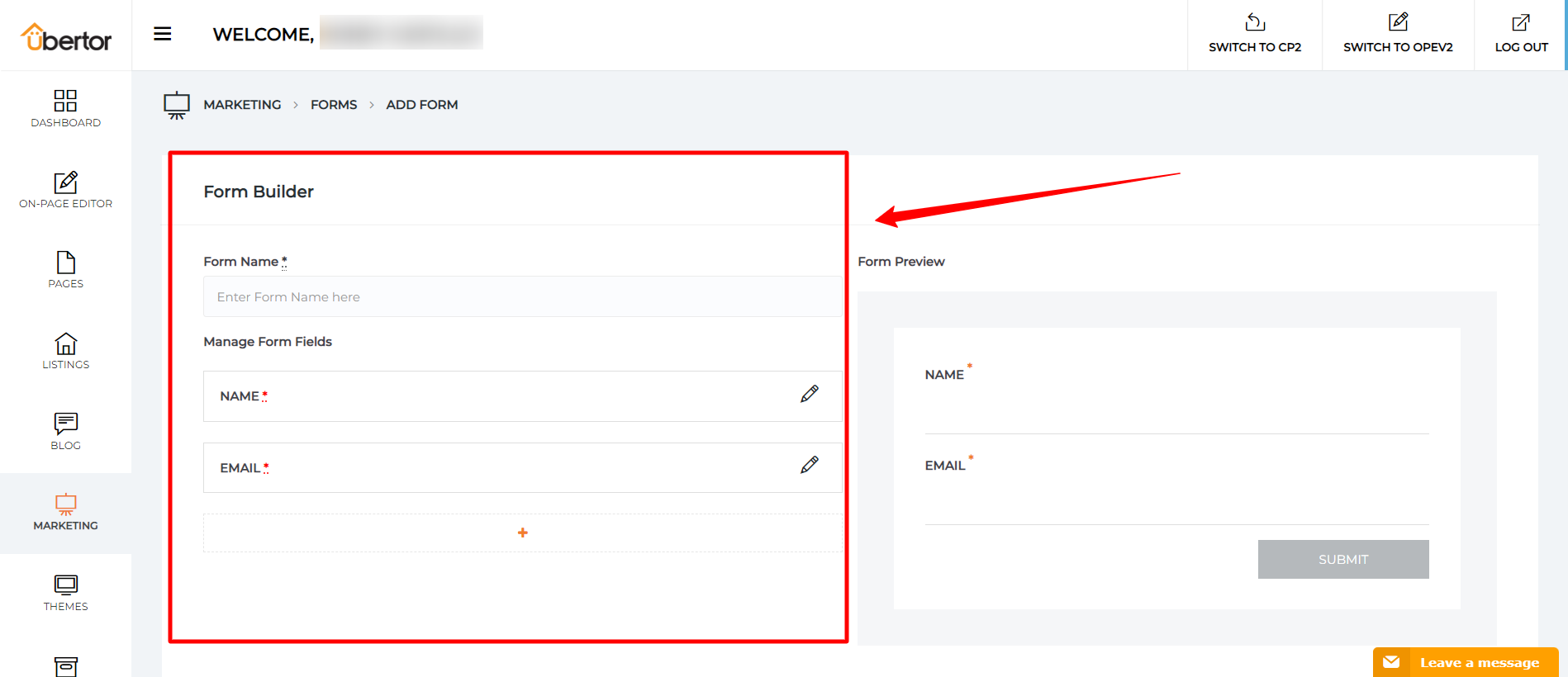
- Once you have added all the fields you want to use, click on Publish button.
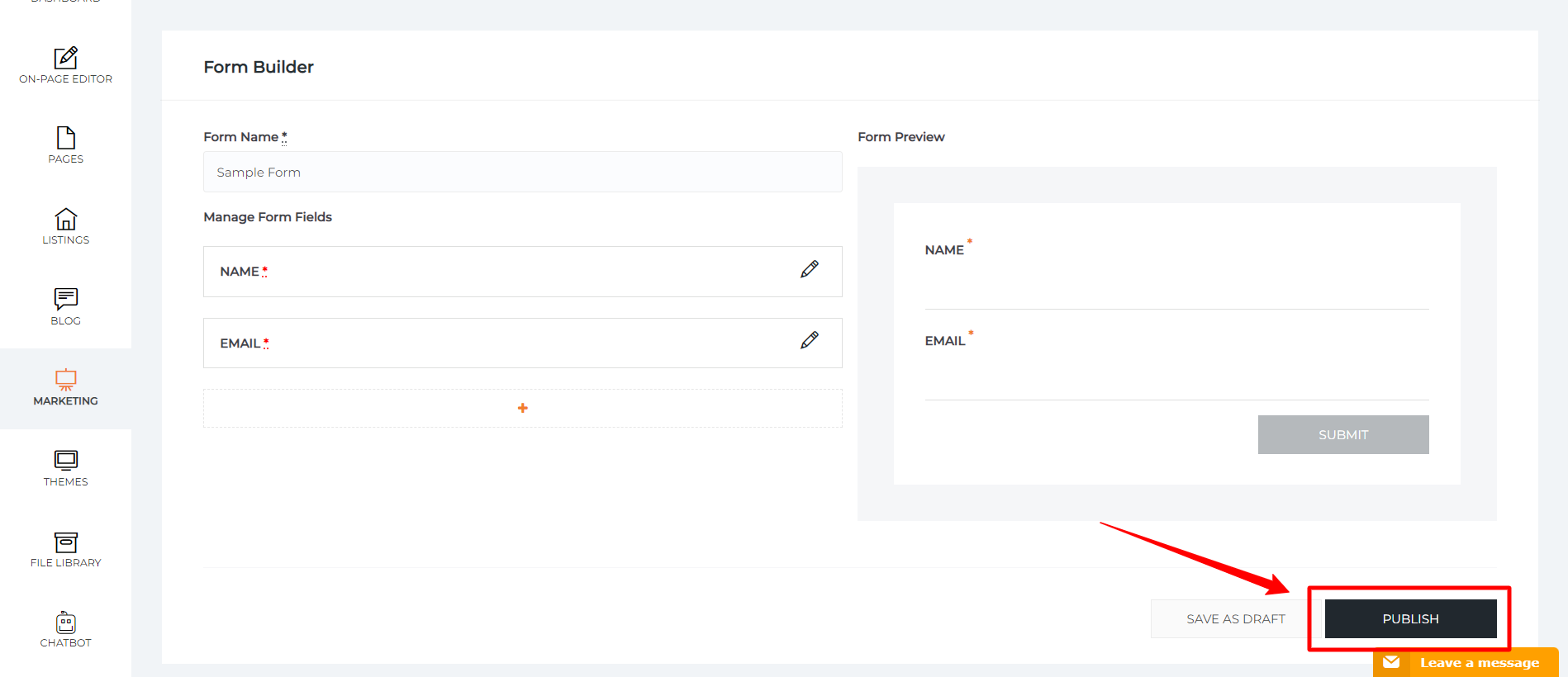
Congratulations! You have successfully added a Custom Form to a page.
Now to add the form, click here.