You can make a listing an open house in 6 easy steps:
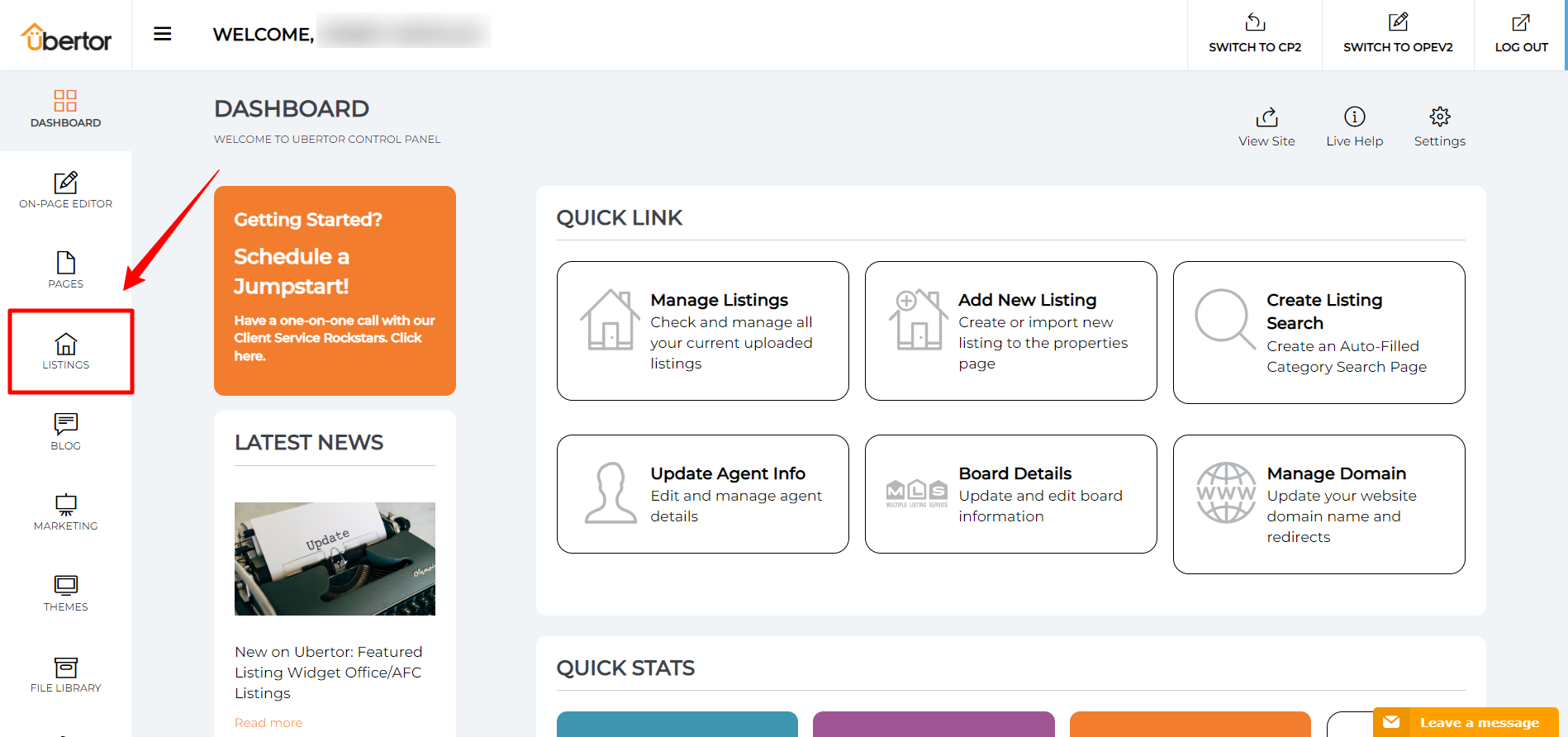
- Click Listings on the left menu bar in your control panel
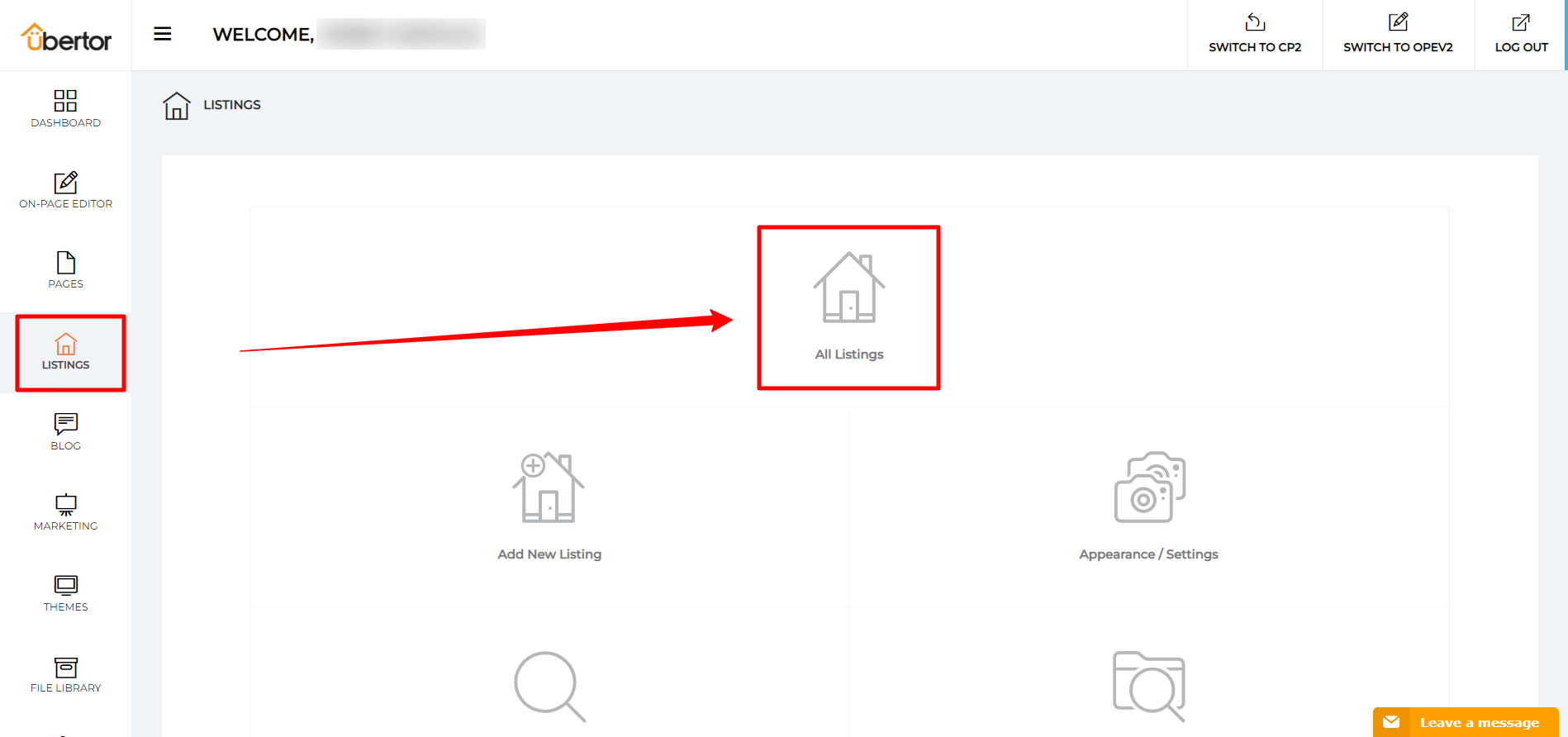
- Click "All Listings"
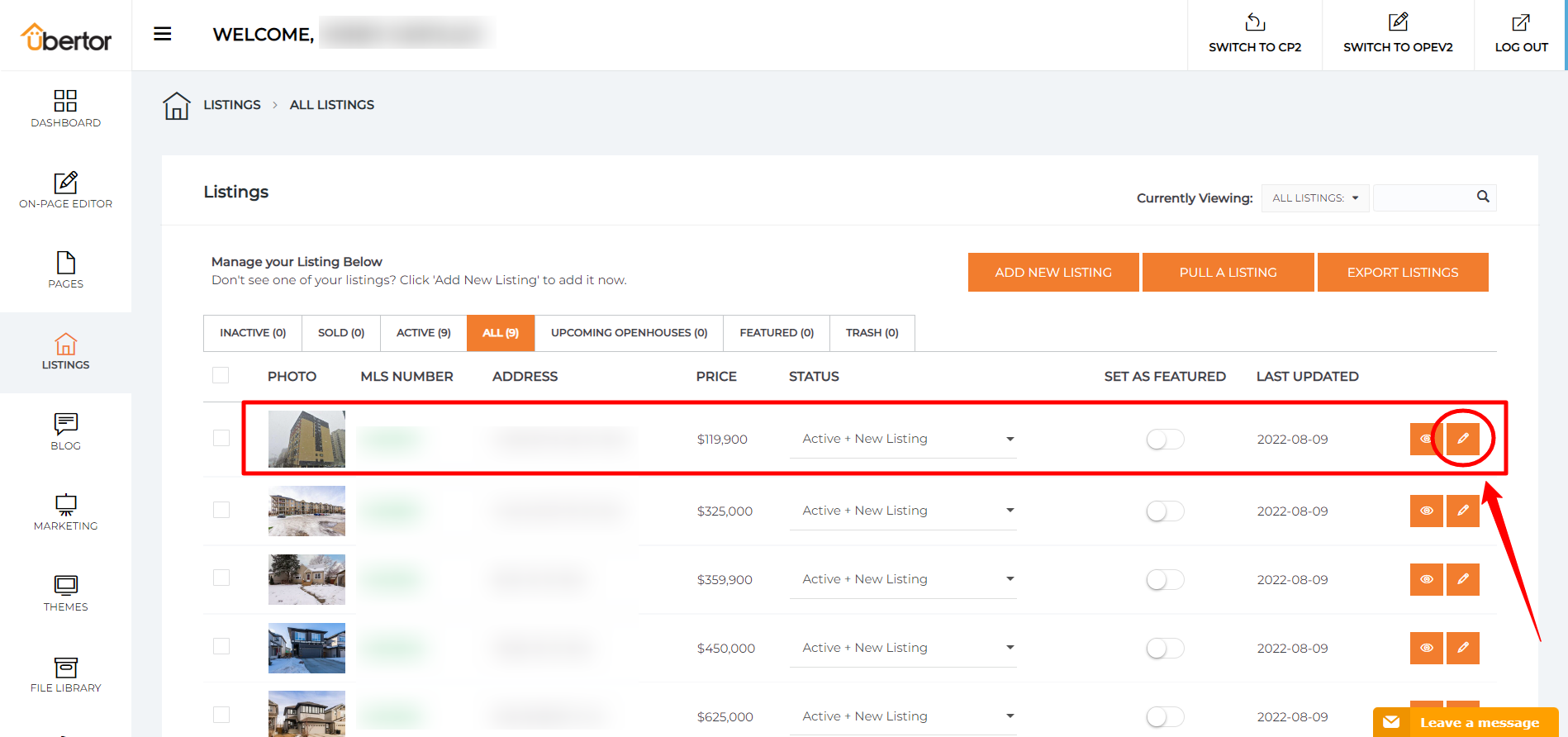
- Click into the pencil icon for a listing you wish to make an open house
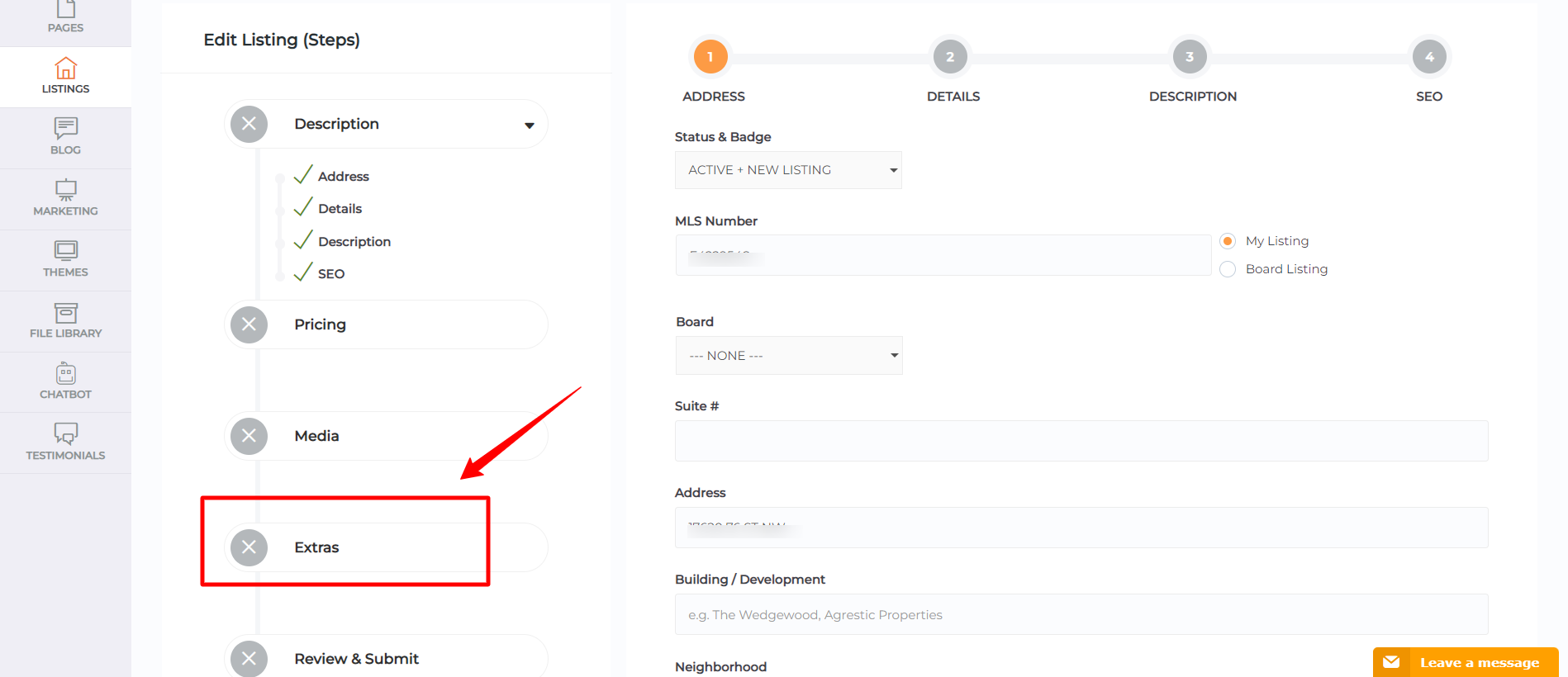
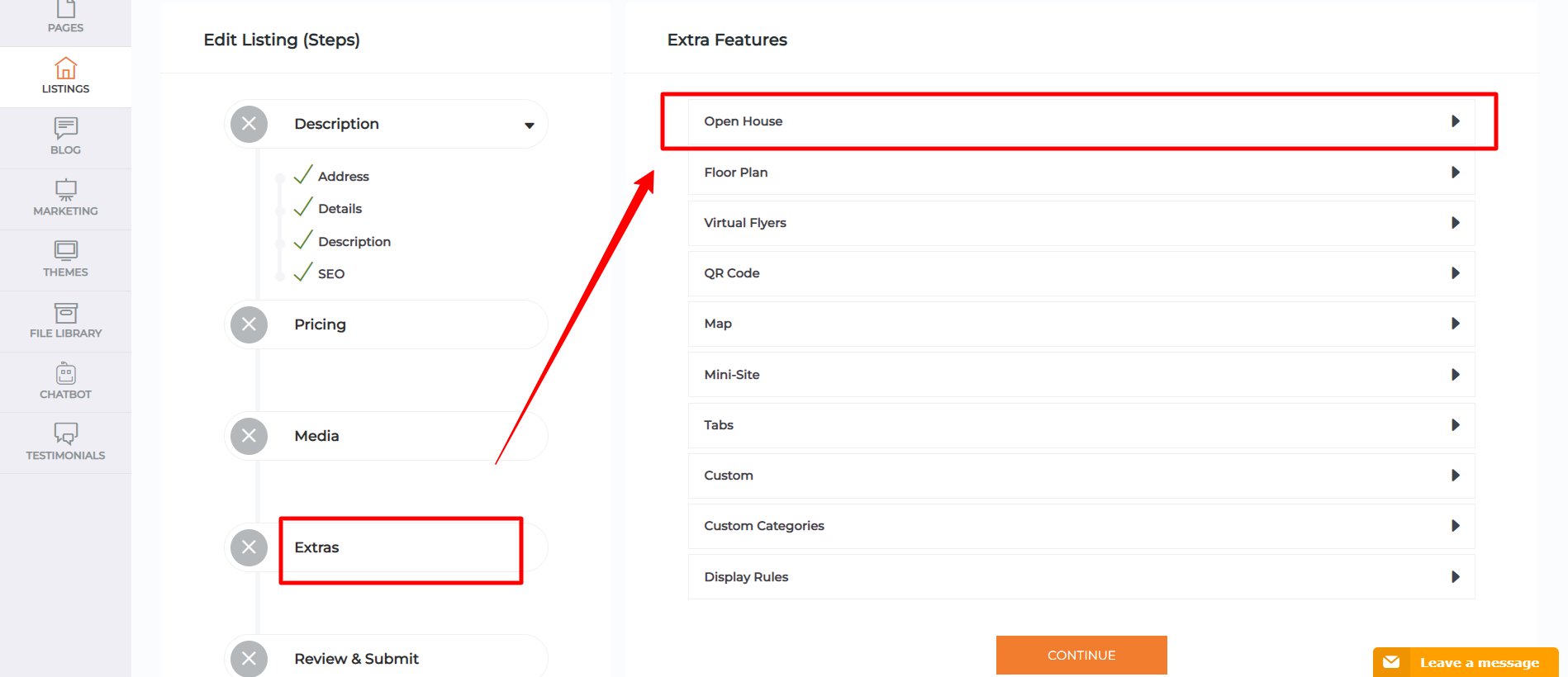
- Click on the "Extra" tab
- Click to expand the Open House tab
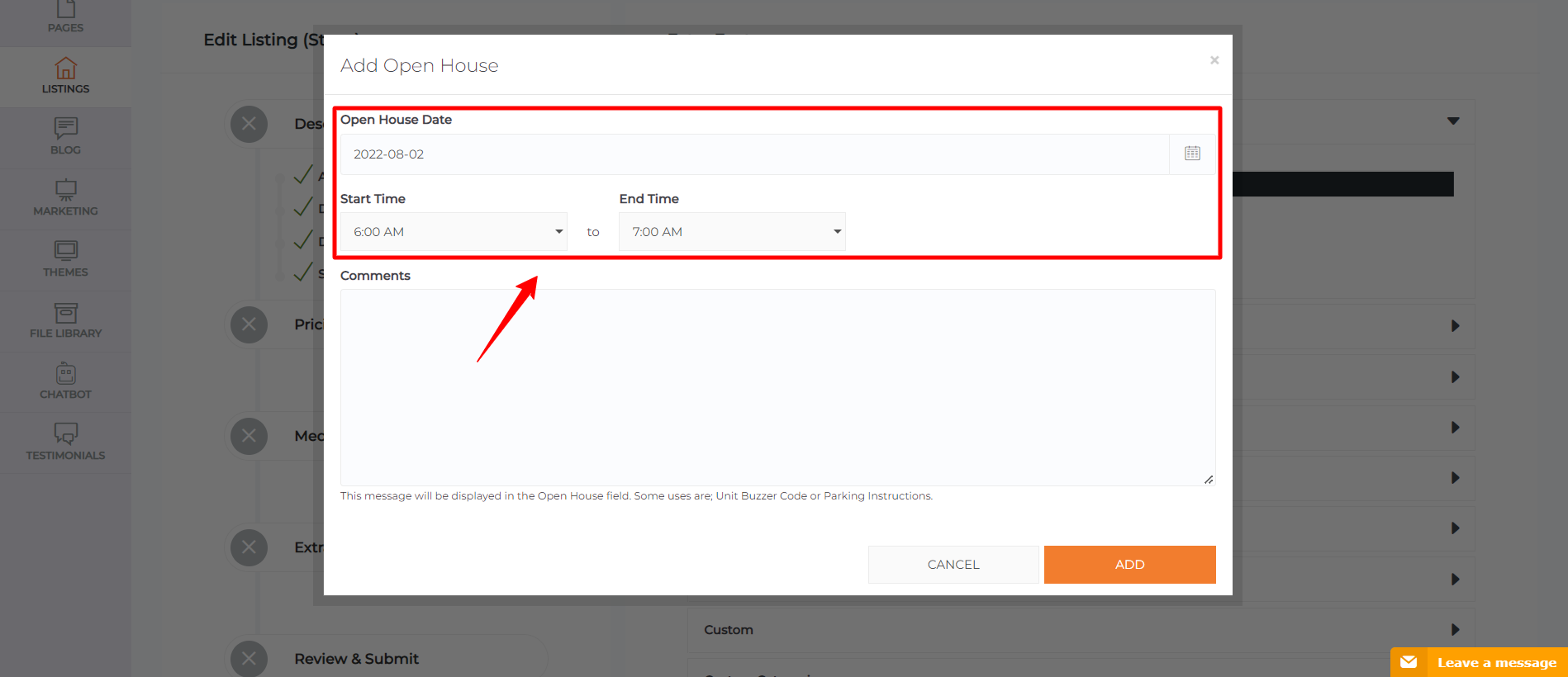
- Please insert date for your open house and time for your open house
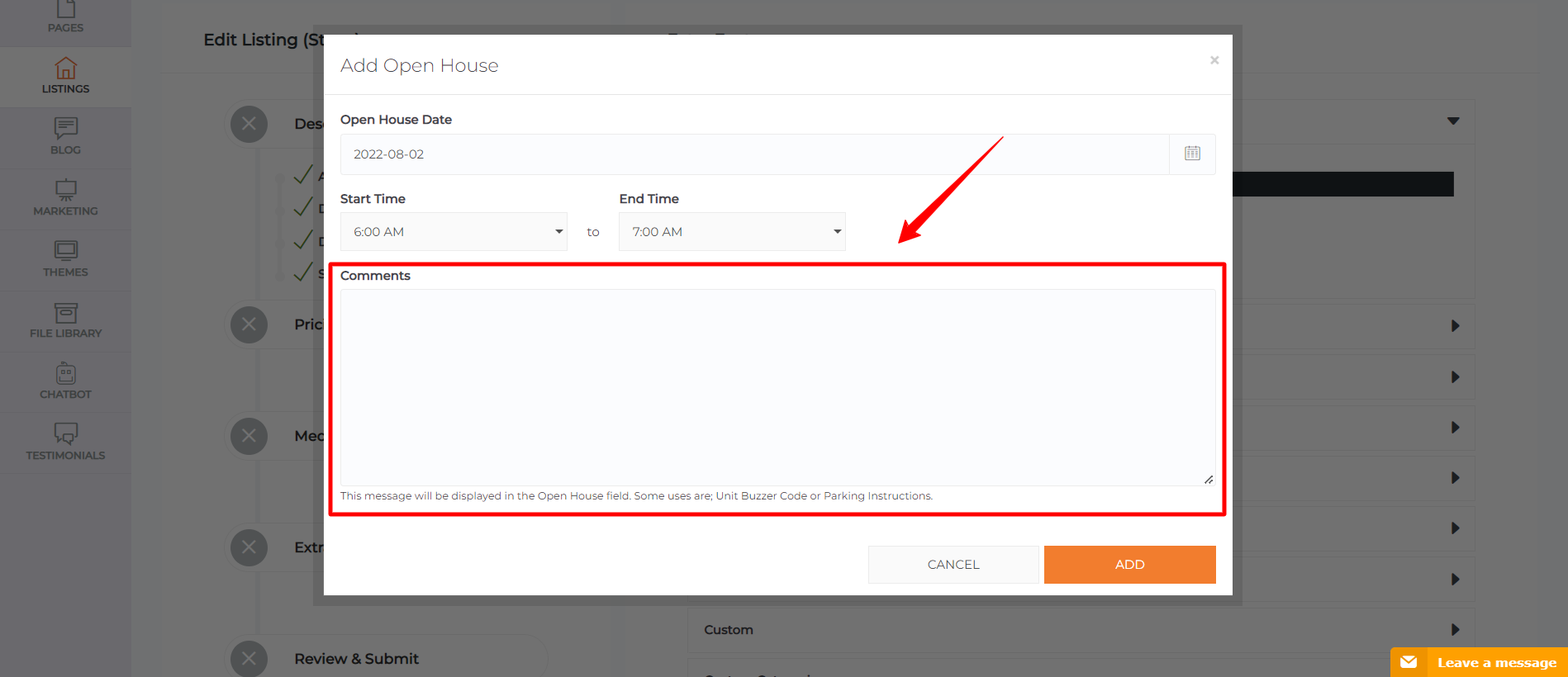
- You have the option of inserting a comment for the open house
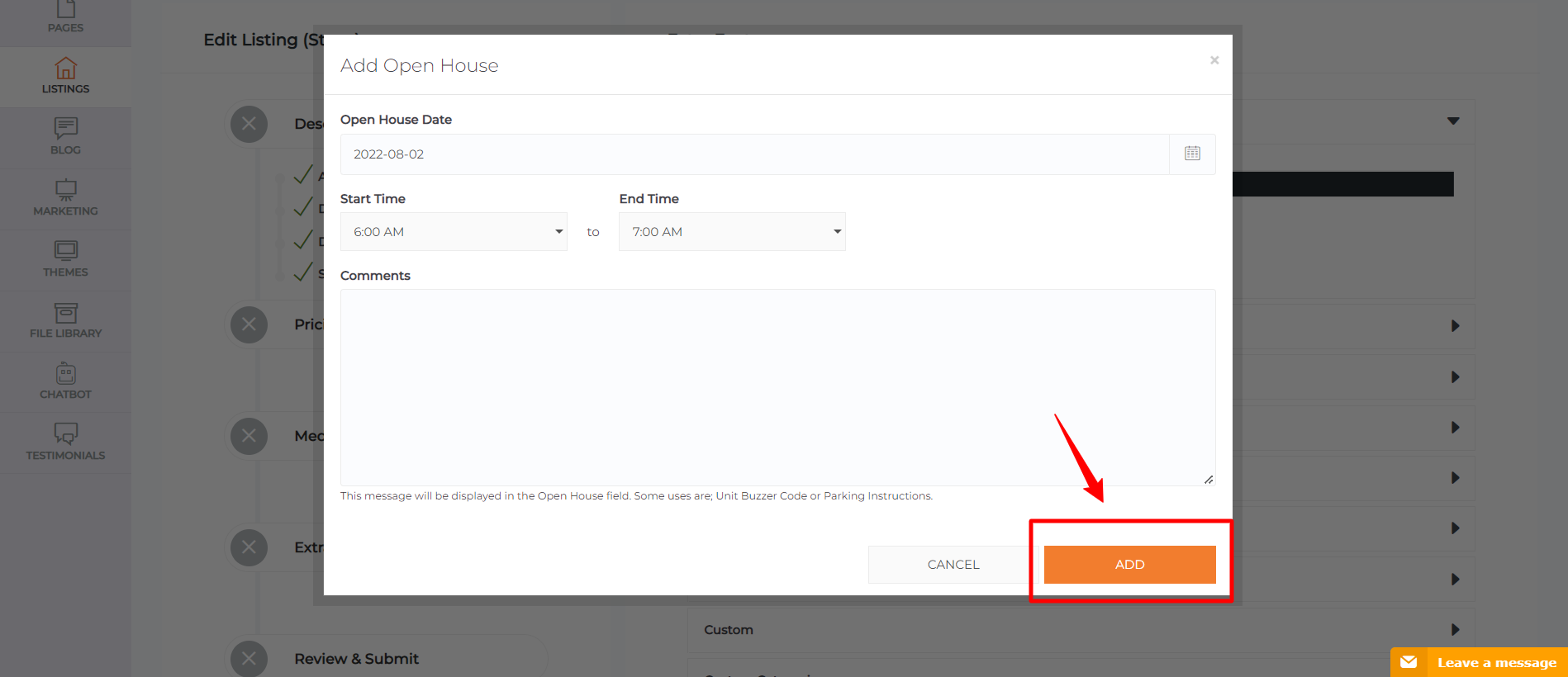
- Please click ’Add’
Note: Open Houses will only appear on the website 6 days before the house is listed to be an Open House
Congratulations! You have successfully made a listing an open house.