You can now disable default widgets for a page by doing the following:
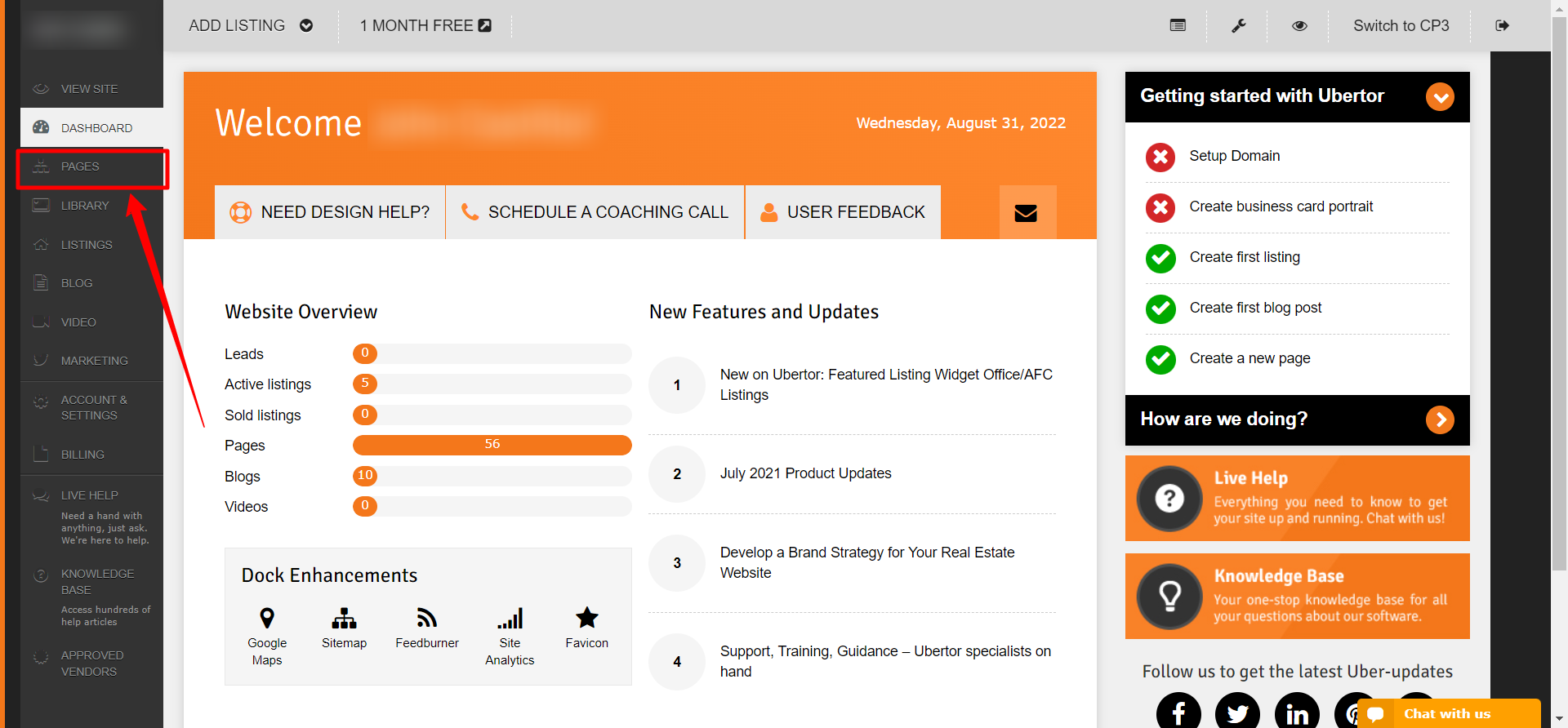
- Login to your Control Panel.
- Click Pages.
- Click the desired page.
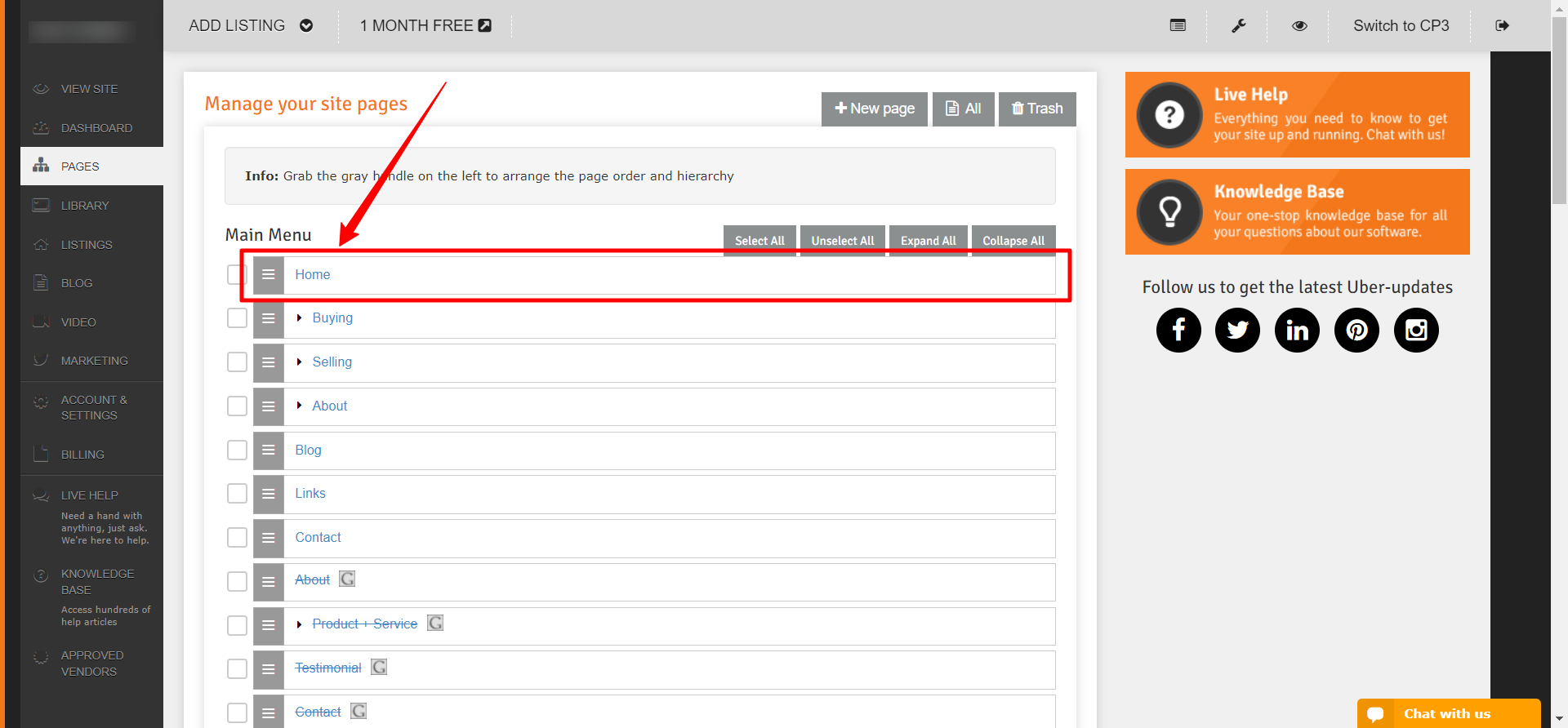
- You will click Arrows to the left of Label then tick the box to Disable Default Widget. Please check the image below.

Congratulations! You have Disabled Default Widgets for a page!