You can remove Custom Widgets from a specific page in a few steps!
- Log in to your Control Panel.
- Go to Pages tab.
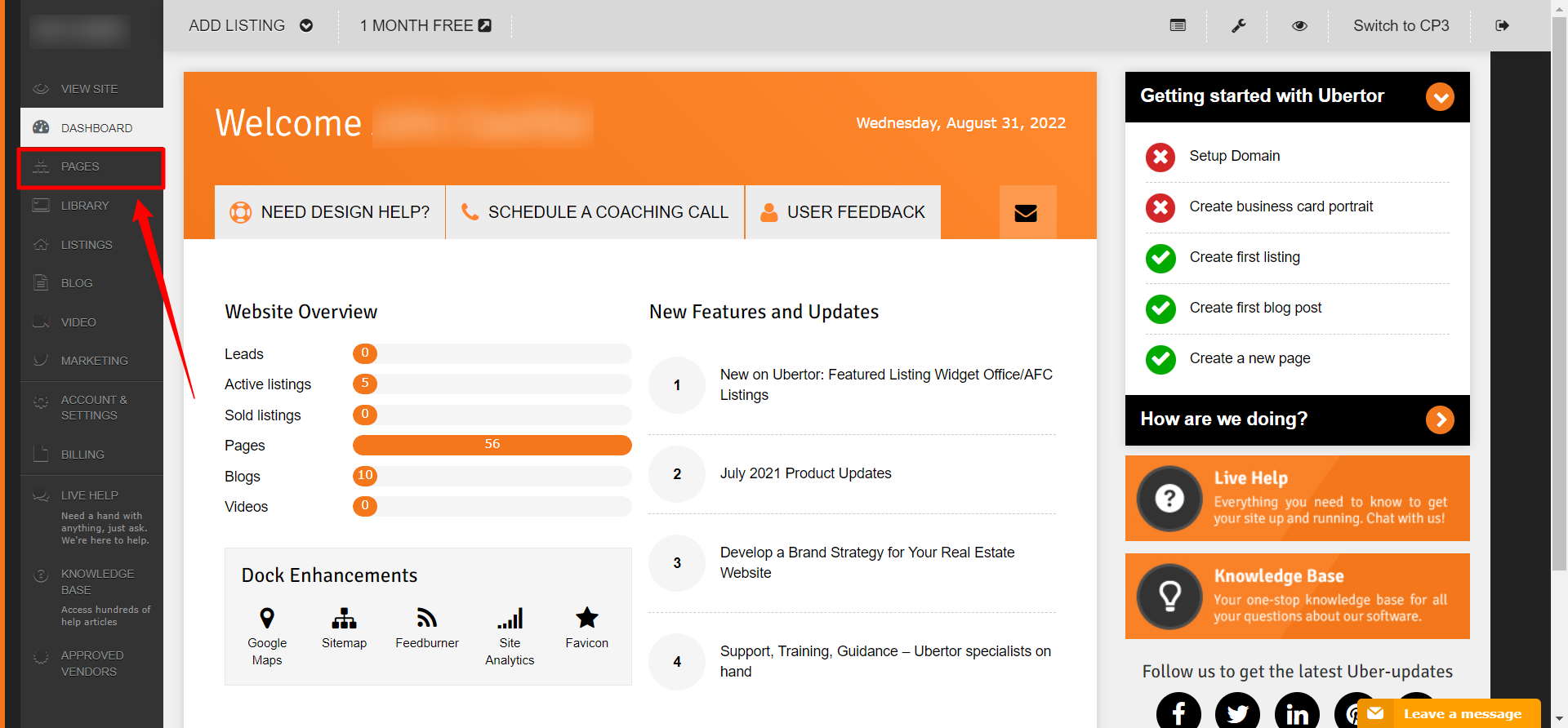
- Click Settings on the page you want to remove the Custom Widget from.

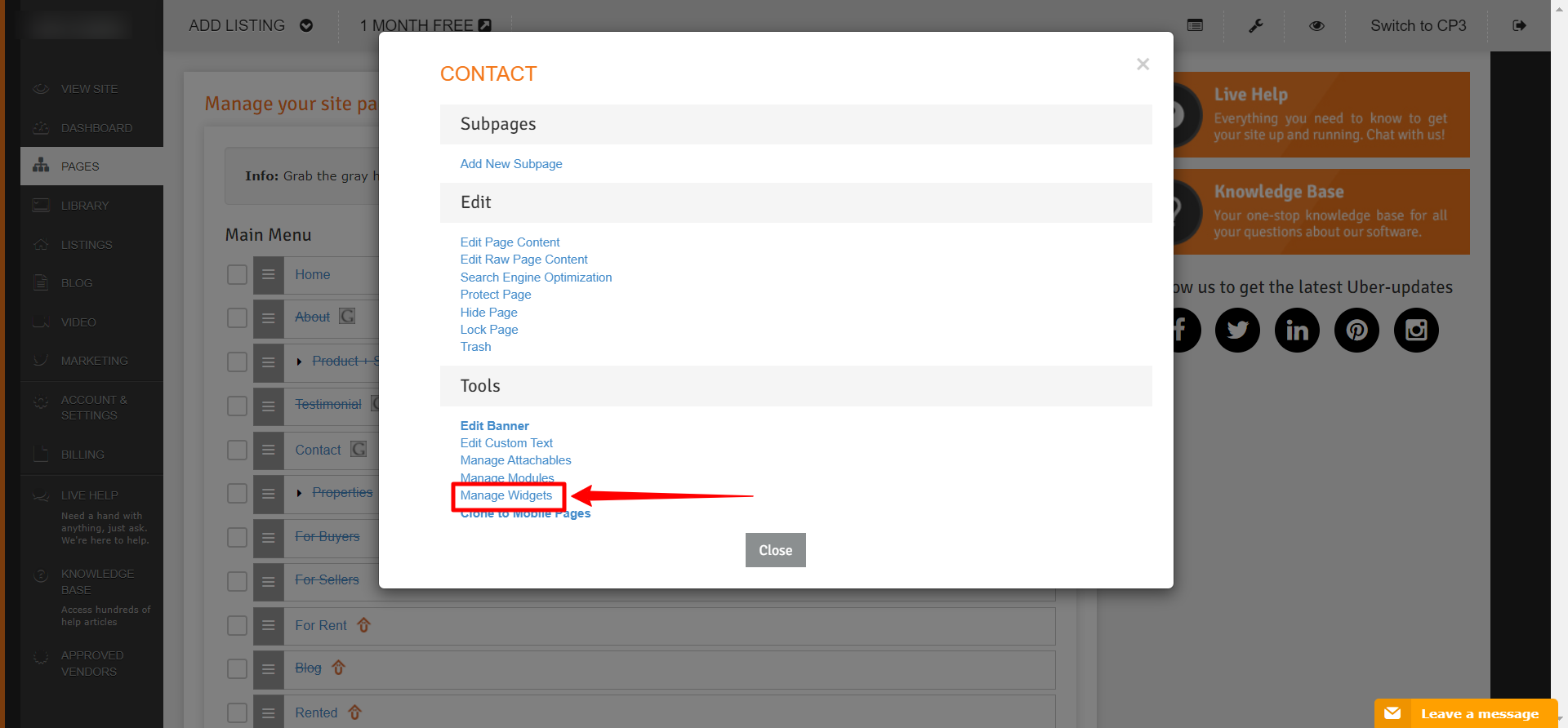
- Click Manage Widgets.
- Look for the current widgets section and try to find the name of the widget that you want to remove.

- Click on destroy at the bottom of the widget code box (labeled Actions).

Congratulations! You have successfully deleted a Custom Widget from your page.